

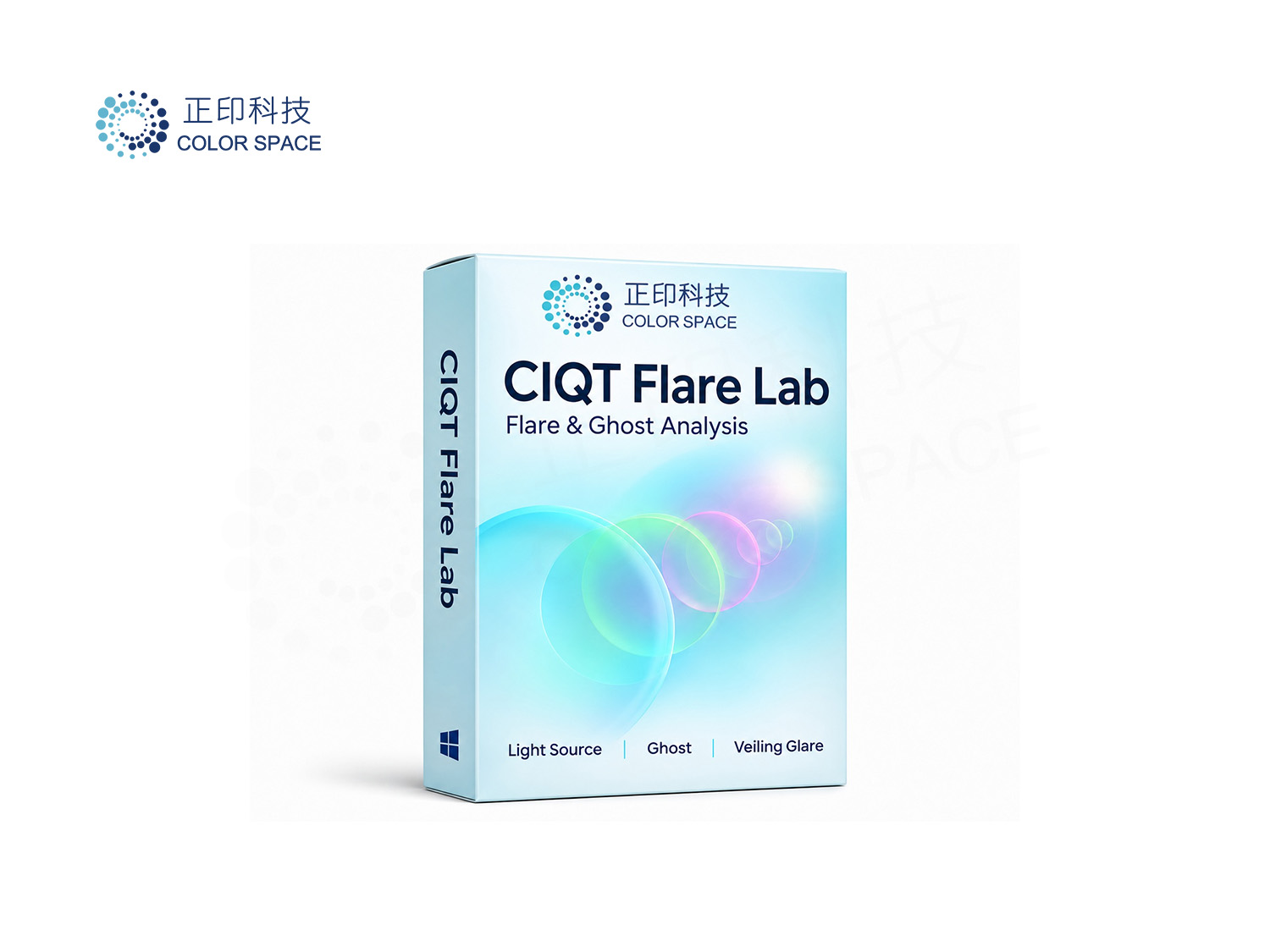
CIQT Flare Lab | Inspect the extent, strength and color of flare
CIQT Flare Lab supports assisted analysis of light-source spots, ghosts and veiling glare for camera, lens and imaging-system development. Highlighted masks, pixel area, luminance lift and color-shift direction help users inspect image behavior in backlit and bright-light scenes.
Connect detection candidates, manual annotation, linked comparison and illustrated reports in one workflow, with clearly defined regions and evaluation conditions.
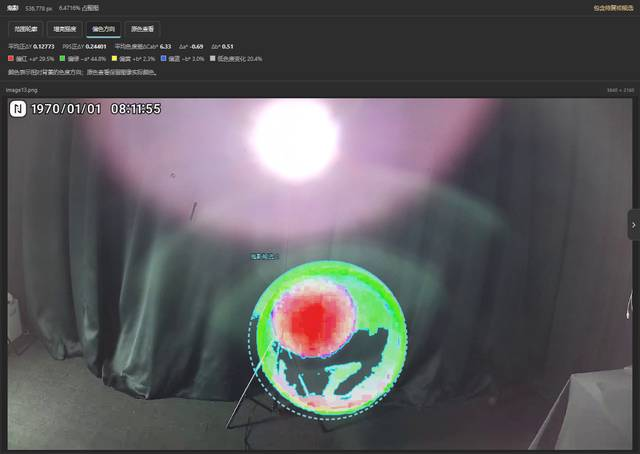
Interface preview: ghost extent and color-shift direction
Set a luminance threshold inside a source ROI to extract its core and contour, then measure original-image pixel area and full-image percentage. The measured source core can be excluded from ghost and veil statistics to reduce interference from the source itself.
Evaluate manually selected and reviewed regions using luminance lift and color differences. Switch between extent contours, a luminance-lift heatmap, color-shift direction and original colors to inspect neutral or colored ghosts, including mixed color shifts within one region.
Use a shared full-image signal scale for full-frame and local measurements. With an aligned reference, inspect positive luminance differences; without one, use a relative-brightness proxy to assist review of broad washout. An ROI limits the measurement region without independently rescaling the signal.
Generate candidates for review, remove false positives and draw missing regions. Rectangle, ellipse, polygon and freehand tools are available; releasing the mouse closes a freehand ROI. Move, resize or convert shapes, delete with Delete, undo edits, and define background or exclusion regions.
Set separate thresholds for source spots, ghosts and veil, plus a minimum combined color-difference signal for ghosts. Update masks, contours and statistics together. Area is counted from original-image mask pixels, with total image pixels as the percentage denominator. Contour smoothing changes display only.
Ctrl-select 2–4 images and compare them in a separate window using side-by-side, stacked or grid layouts. Link zoom and pan, and switch between originals, source spots, ghosts, veil views and data tables. Ghost views also offer extent, strength and color-shift modes.
Inspect class unions, per-region areas, thresholds and ghost diagnostics. Export illustrated HTML/PDF reports or numerical CSV data. Save thresholds, display preferences and tool settings to a .config file for reuse. Simplified Chinese, Traditional Chinese and English interfaces are available.
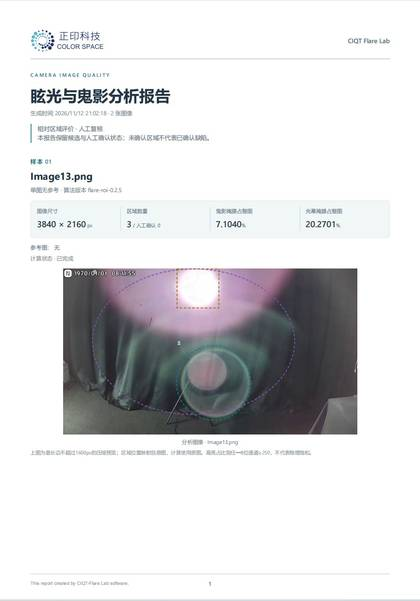
Illustrated analysis report preview (example data)
Backlit imaging inspection for cameras and lenses; review of ghosts and washout in bright-light scenes; image comparisons under fixed capture conditions; and region-based measurements and communication during development testing.
Import images → Detect and review candidates → Add ROIs and exclusions → Set independent thresholds and update → Inspect extent, strength and color shift → Compare results and export reports.
The software provides assisted, relative image analysis. Detection candidates are not confirmed defects. Without a reference, the veil view is a relative-brightness proxy: normal bright objects can enter the mask, so the view does not establish glare attribution or support rankings across unrelated scenes. Ghost results also depend on ROI selection and background estimation.
For comparisons, keep framing, source placement and intensity, incidence angle, exposure, white balance and image processing consistent. An aligned flare-free reference captured under matching conditions improves comparability. Area percentages are not standardized veiling-glare values; strength and color-shift results are not calibrated physical intensity or instrument color-difference measurements.
Platform: Windows 64-bit. Supports JPEG, PNG, BMP, TIFF and WebP; current analysis supports 8-bit images. For versions, licensing and application support, contact ColorSpace: sales@colorspace.com.cn.
【Reserve a Lab】For more information about related products and testing services, please contact:sales@colorspace.com.cn
Follow ColorSpace for industry news/events/solutions
Contact: sales@colorspace.com.cn
Phone: 15817270587
Tel: 400-886-3881(周一至周五 9:00~18:00)
Email: sales@colorspace.com.cn
Add: South Building #2-1101, Lv Di Qi Hang Office Building, Hou Sha Yu, Shun Yi District, Beijing, China